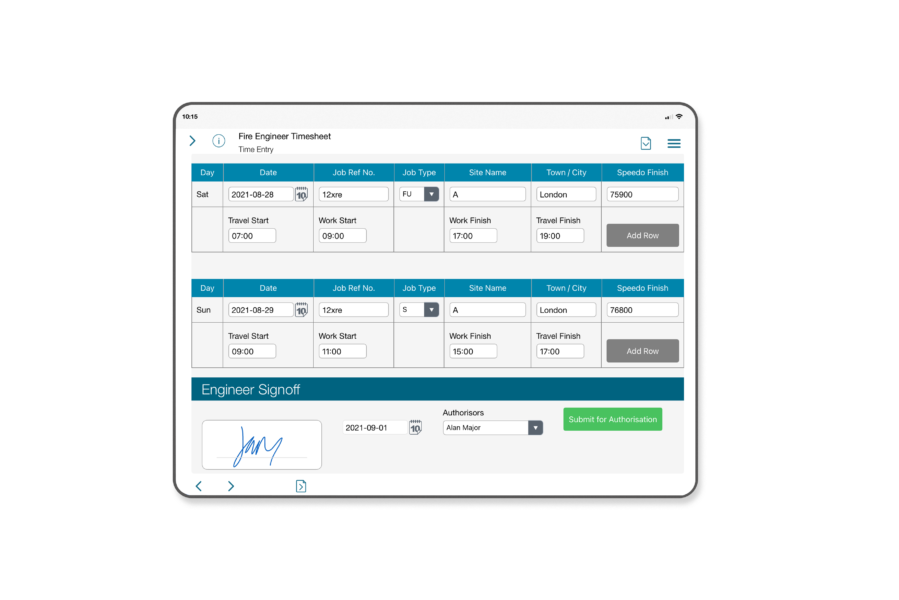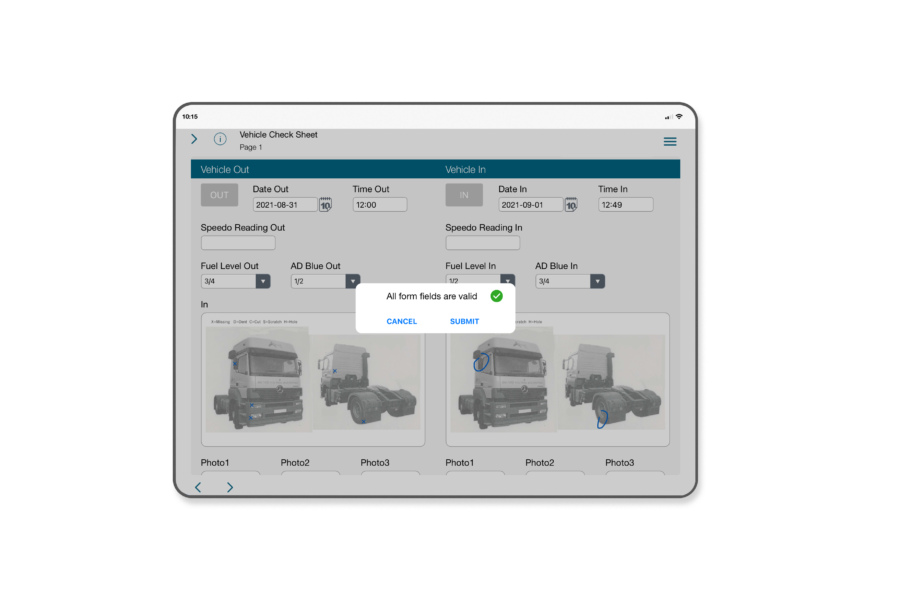




Our Forms, suitable for use on IPads and other tablets, can be used on or offline so that you can use them anytime, anywhere. World leading handwriting recognition makes Data Capture fast and easy.
Within your electronic forms, you can set alerts so that people and departments who need to know, get notified when particular issues - such as a new client opportunity or service problem - are recorded. Other clever features, like pre-filling forms with customer data and setting mandatory fields ensure that appointments and important information are never missed.
Below are explanations of each feature of Formworks, but if you need more information or have a question or two, contact us.
Easy to use and intuitive mobile forms that can be used on or offline.
Forms are created by you and deployed to everyone, selected users or user groups. So for example you can have forms for your sales team, your field service team … or any other department.
Forms are designed to be simple and fast to use – and include as standard:
Easily design your own forms via a standard web interface and deploy to multiple devices. No programming skills required. Read More
The standard form features include:
Form versioning allows you to easily update, keep track of and deploy form improvements to your teams.
Aimed at users who want to increase control over data capture even further, this option includes access to a powerful scripting language. Read More
You can create:
As an additional feature, forms can be set so that:
Centrally manage deployment of formworks to your iPad devices and control access to formworks itself and to particular form types. Read More
Access to formworks on the iPad is password controlled.
Users are set up centrally by the designated system administrator – and can be de-activated at any time.
Data is uploaded from the device to a secure central server once forms have been completed. Access to form data on the iPad after submission can be controlled centrally. Read More
Data is processed on our secure server infrastructure and output to your systems immediately.
Data is retained on our server for 30 days and you can re-process / re-export the data if you need to.
World leading handwriting recognition simplifies and speeds up data entry for formworks users. Read More
Write with your finger or a stylus directly onto the iPad form and your handwriting is automatically converted to text and put into the selected field on the form. It works with text, numbers and mixed characters.
Makes data capture with one hand easy and fast. Ideal for people on the move. Provides a more open approach to data capture when conversing with clients.
Use the data merge function to pre-fill forms with customer data – enabling you to allocate specific work to field personnel and save them time. Read More
Creating prefilled forms is a straightforward process – simply enter your data into a pre-fill spreadsheet and upload to Formworks. Pre-filled forms are accessed via separate lists on the iPad and can be set so that they can’t be deleted from the iPad.
As a further option, pre fill data can be uploaded via web service - enabling you to connect direct to your CRM or admin system.
Enrich your data by attaching images from the iPad itself or from external devices. Read More
When you build your forms you can add 'photo' fields at appropriate points so that users can attach images and submit them with the form. The images are processed and output as part of the form data.

Identify where and when a form was started. Read More
No further details
Simply capture customer signatures using stylus or finger Read More
Signature fields areas are easy add to your forms. When tapped on the iPad, a large writing area appears making it easy to capture the signature.

Create sketch areas on your forms for when words are simply not enough. Read More
Sketch areas added to your forms can be blank for freehand sketching or include a background image for annotation.

Set conditions in your forms to trigger alerts to managers or departments when particular fields are completed. Read More
Great for alerting teams about important issues – such as service problems or sales opportunities.
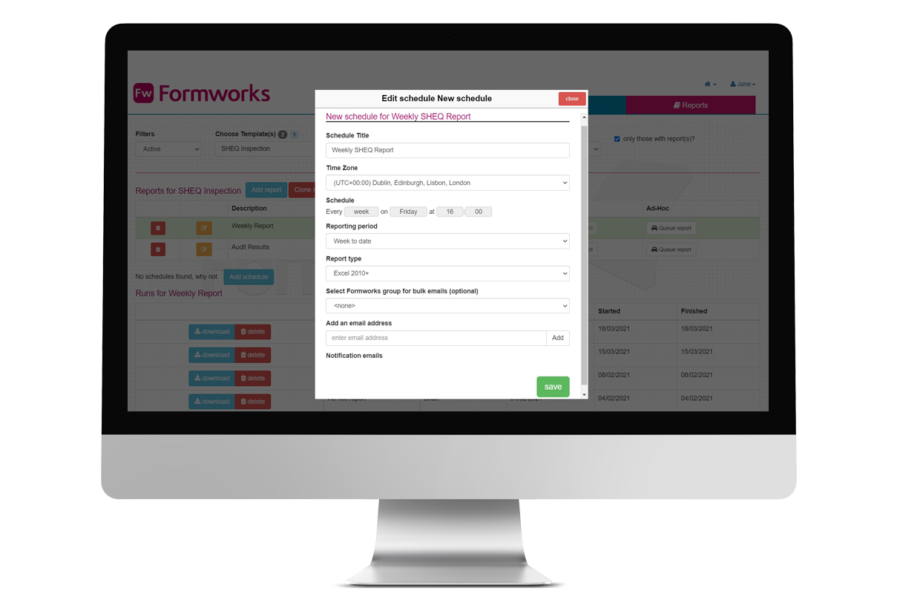
You have the flexibility to configure how you want form data sent to your systems. Read More
Options include:
We can work with you to create bespoke output formats and more complex integrations. Please contact us to discuss your requirements.
Find it easier to write rather than use a tablet keyboard? No problem. You can complete the forms using the best handwriting technology around today. Use your finger or a stylus - it’s as easy as pen and paper.
The design options and layout in Formworks means forms can be built to actually look like real printed forms, making them more familiar to users, logical to complete, simple to navigate.