




| Standard Features | Advanced Options | |
|---|---|---|
| Hosted Cloud Service
Manage your forms, users and data exports |
![]() |
|
| Formworks Portal Access
Manage your forms, users and data exports. |
![]() |
|
| Formbuilder Access
Create and deploy forms via your desktop browser. |
![]() |
|
| Standard Form Features
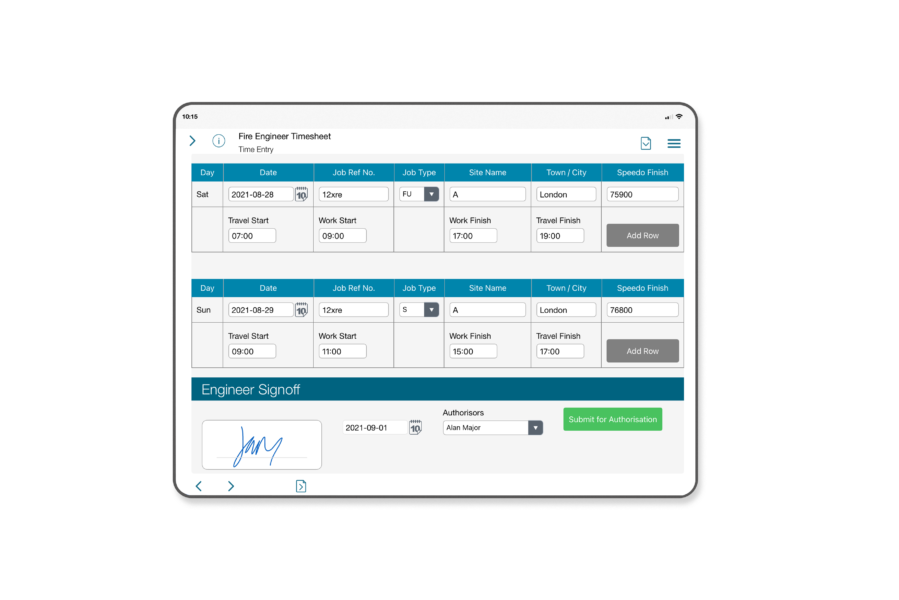
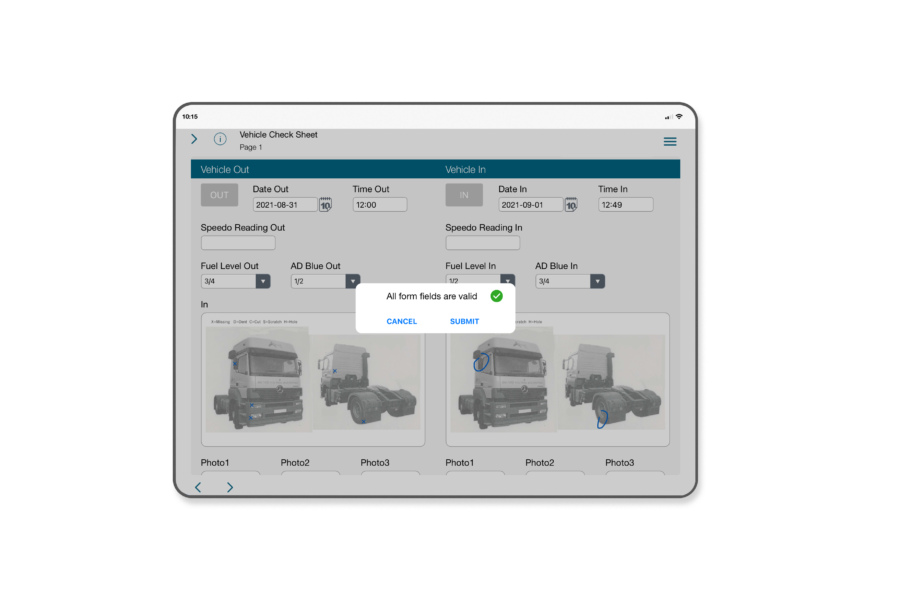
Multi-form access per user, multi-page forms, text fields, date & time fields, radio buttons, checkboxes, pick lists, field grouping, field tabbing, sketch fields, signature fields, attach photo fields, labels, lines, images, variable text size, hidden and locked fields, geo tagging, in keyboard calculation. |
![]() |
|
| Standard Data Exports
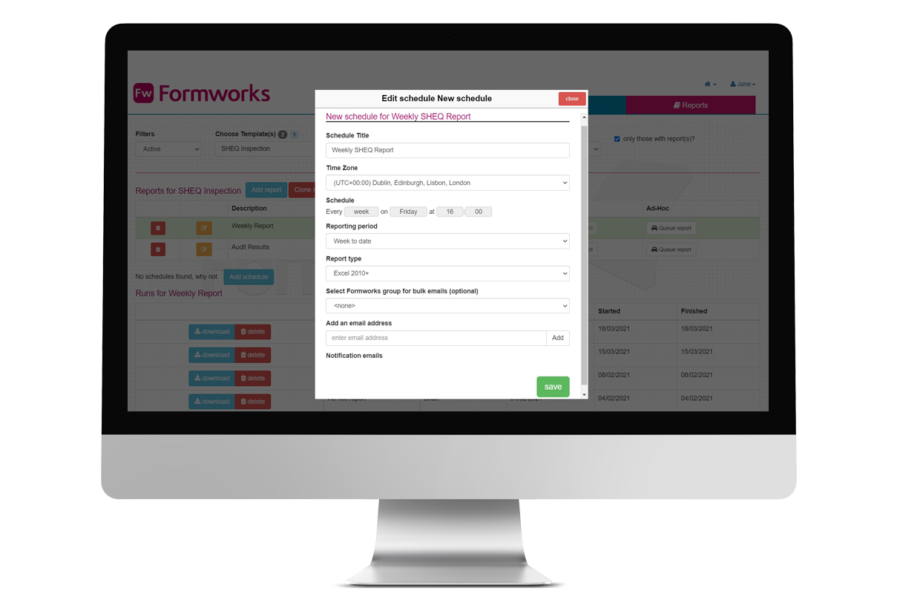
CSV, XML and standard PDF report via email, FTP or SFTP. |
![]() |
|
| Advanced Form Controls
Use our flexible scripting language to create mandatory fields, data limits, conditional fields, conditional mandatory fields, calculations, web service data look ups. |
![]() |
|
| Form Alerts
Trigger email alerts based on data collected on the forms. |
![]() |
|
| Job Management
Pre-fill forms with client or job data via csv upload. |
![]() |
|
| Advanced Job Management
Pre fill forms with client or job data via web service – link to your CRM system. |
![]() |
|
| Web Service Export
Export your form data via web service. |
![]() |
|
| Access Forms after Submission
Enable forms to be accessed on the iPad after submission – view only or edit and resubmit. |
![]() |
|
| Custom Exports
We can create export routines and formats to meet your specific requirements. |
![]() |
|
| Handwriting Input
Use your finger or stylus to enter data, great for one handed data collection (UK English only at the moment). |
![]() |
|
| Terms & Conditions | ||
Note: Formworks is not suitable for iPad 1.
Your iPad must be running iOS 5.0 or above.